

COBO PORTAL · MOBILE APP
Institutional-grade digital asset security in your pocket
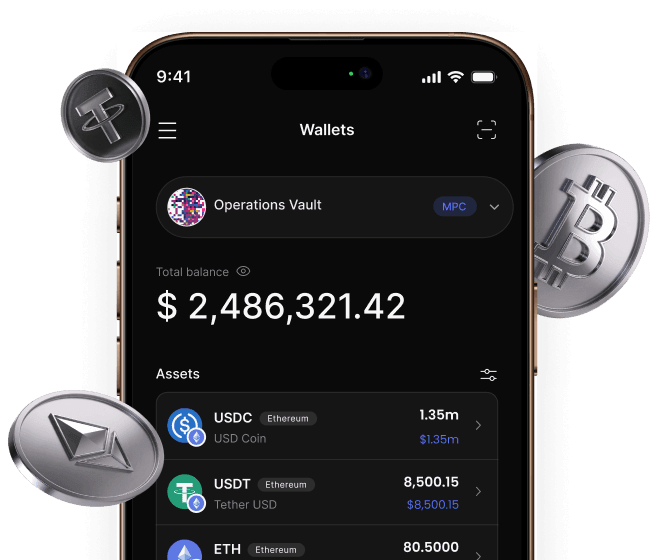
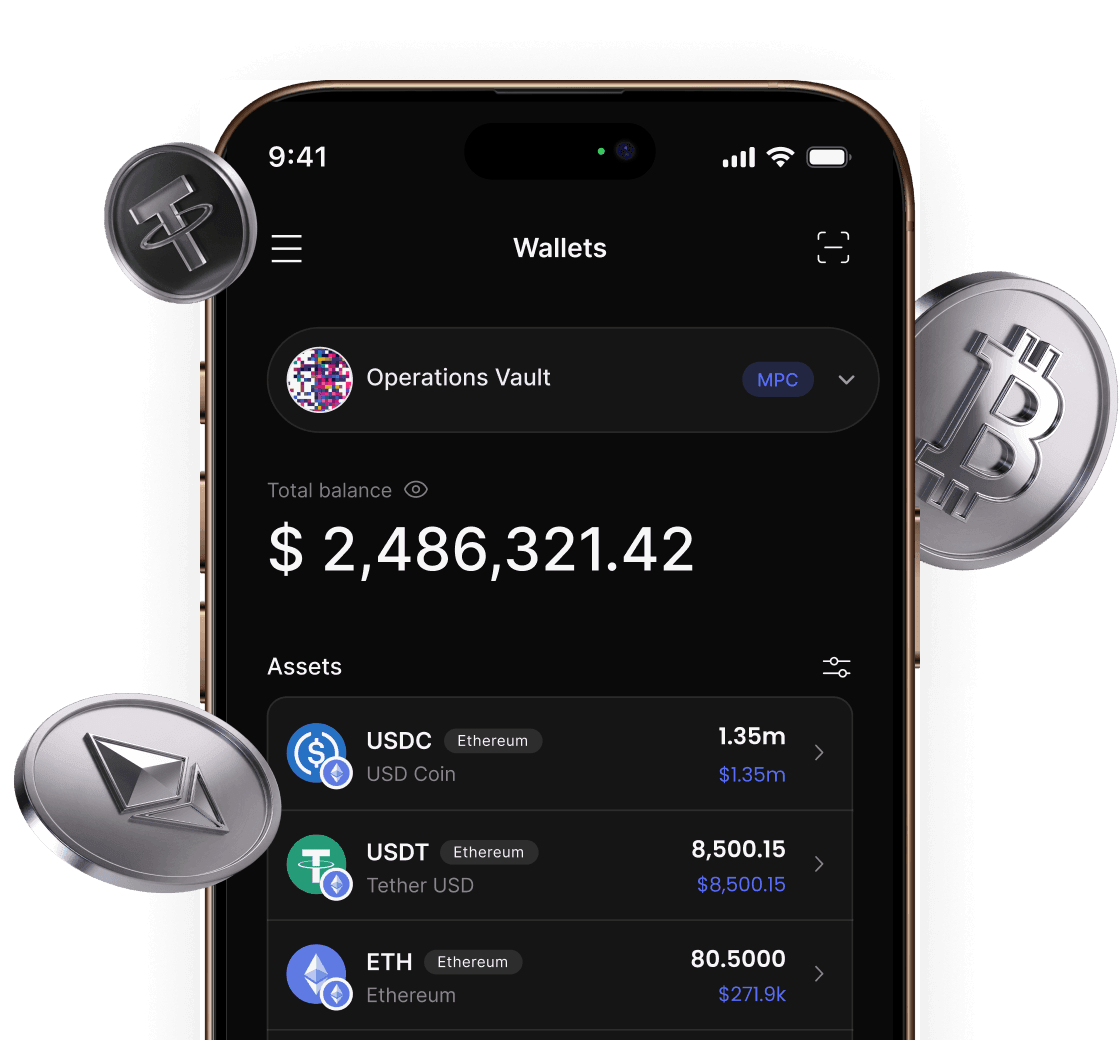
View assets, approve transactions, and manage your MPC key shares, securely and from anywhere. One account works across web, iOS, and Android, at no extra cost.

Set up your institutional wallet in minutes
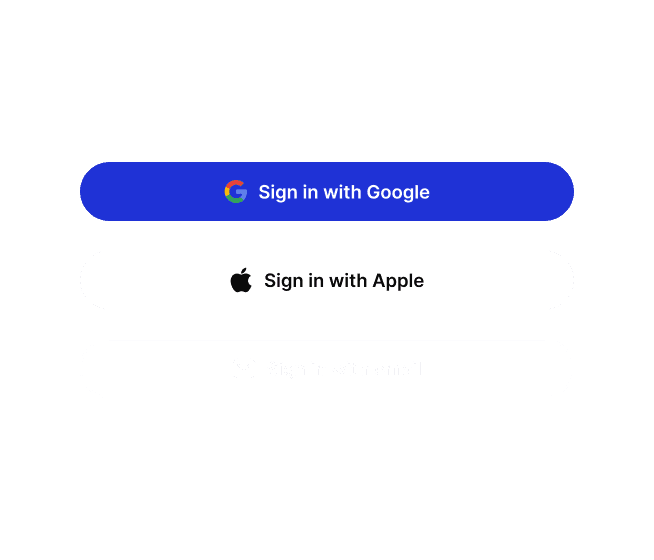
Log in with Google, Apple, or your work email, then create your organization — one shared space for team collaboration and permission management.
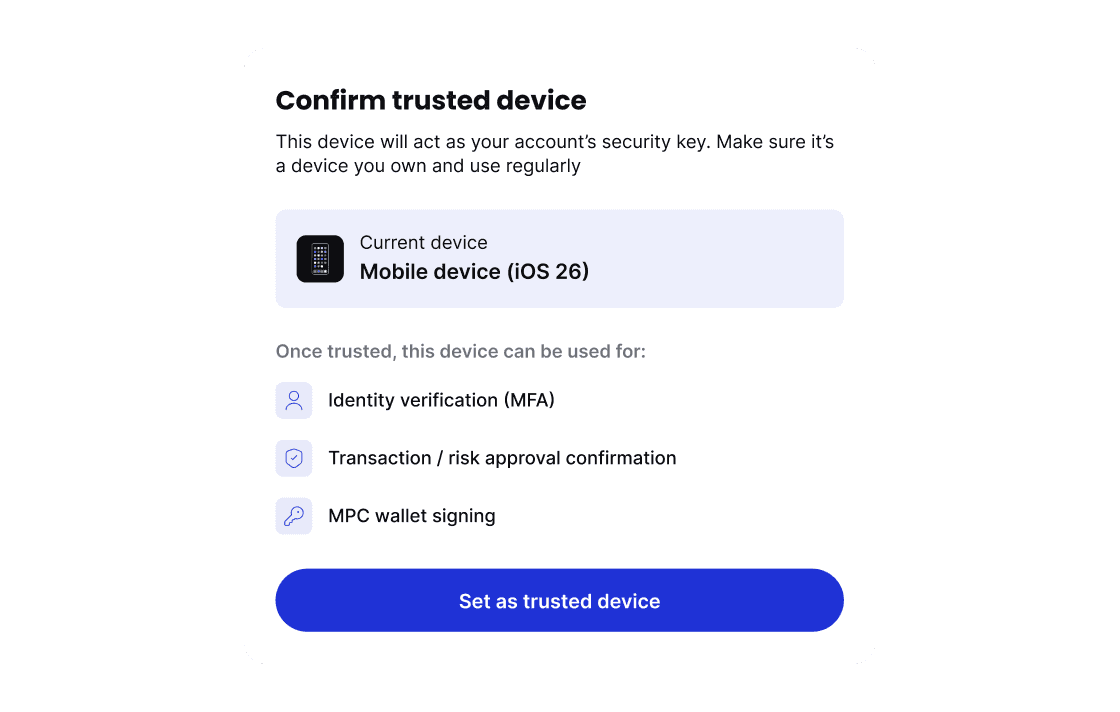
Make this device your account's security key — the gatekeeper for identity verification, transaction approval, and MPC signing.
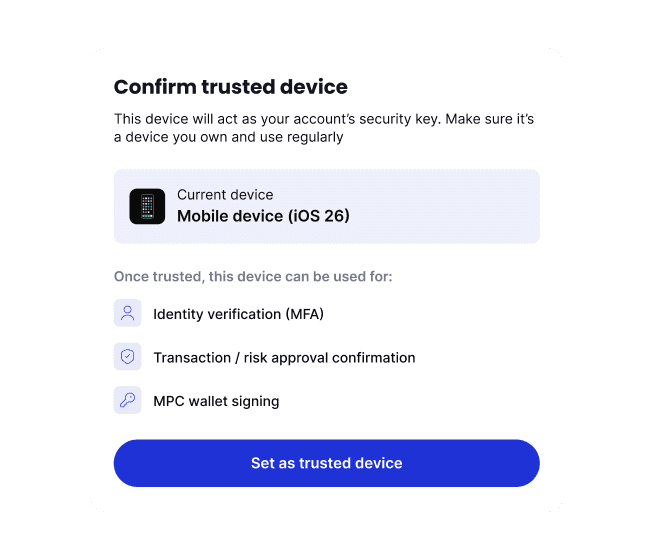
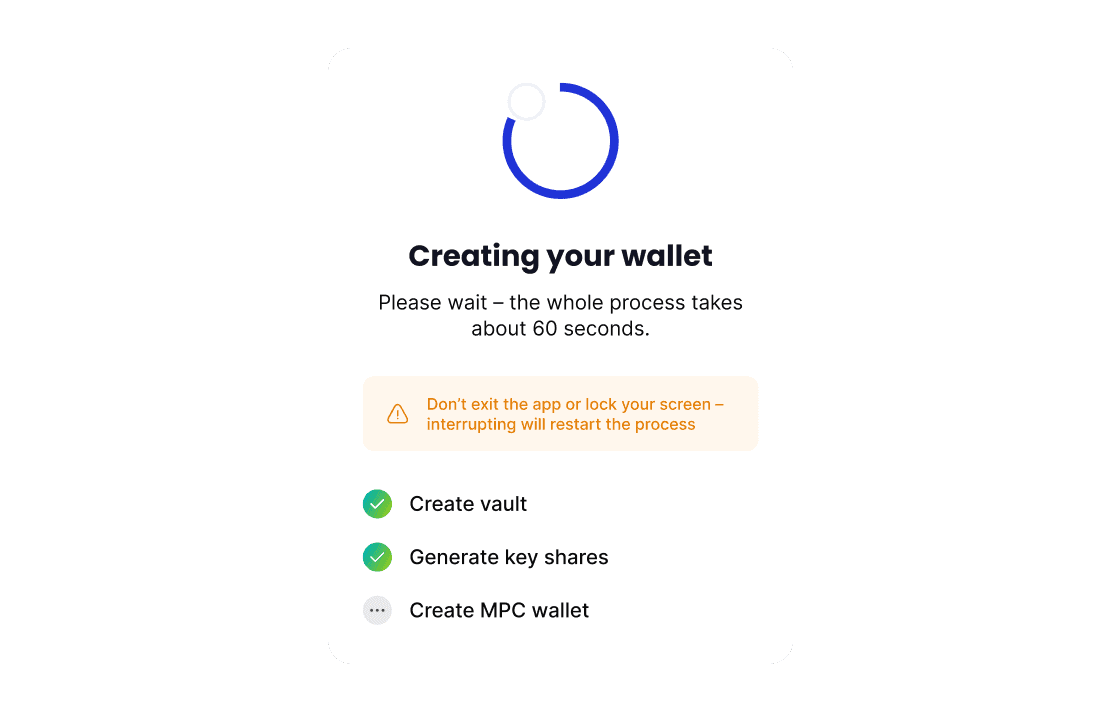
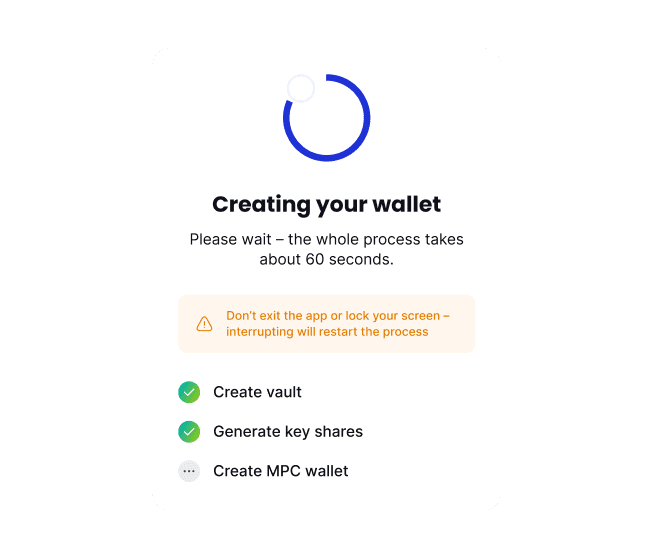
The system automatically creates a Vault, generates key shares, and finishes setup in about 60 seconds.
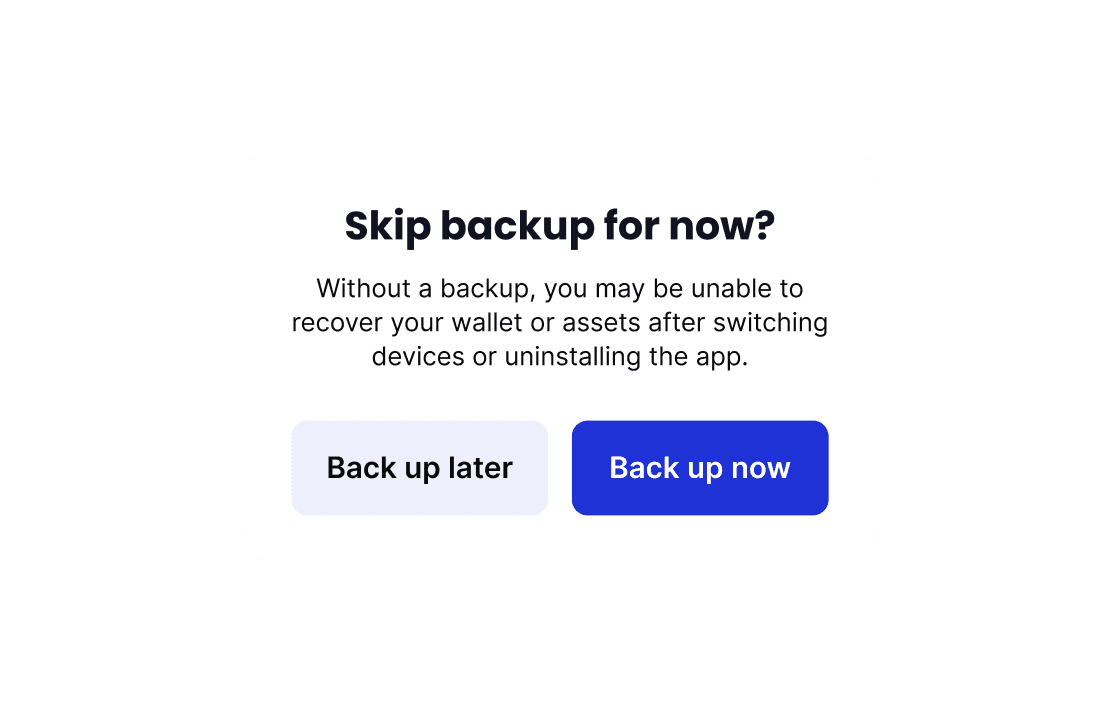
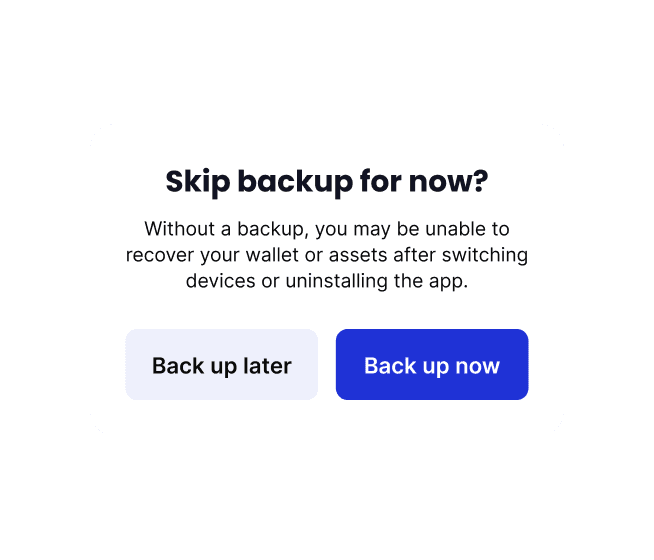
Back up your MPC key shares in time so you never lose access to your assets.
FAQs
Cobo Portal is an all-in-one platform for managing your business's digital assets — a range of wallet types (MPC, Custodia), 80+ blockchains and 3,000+ tokens, multi-signer approval workflows, and built-in risk controls.
The mobile app puts that same account on your phone: view assets, send and receive, approve your team's operations, and manage the MPC key shares that secure your wallets. Your organization's Cobo Portal plan covers both web and mobile — there is no separate charge for using the app.
The app covers your day-to-day:
- Assets — view all wallets, tokens, and balances across your organization.
- Transfers — receive with QR-code addresses, and send with biometric signing.
- Approvals — review and approve your team's sensitive operations (transfers, member changes, policy changes, and more) right from a push notification.
- Security — multi-factor authentication for logins and sensitive actions, plus generation and encrypted backup of your MPC key shares.
It doesn't replace Cobo Portal on the web. Heavier admin work — approval policies, member and role management, API keys, billing — stays there, where a larger screen helps. The app and the web are two surfaces for the same account; switch whenever it fits.
To get started, sign in with your existing Cobo Portal account and bind your phone as a trusted device — or, if you're new, register and set up your organization entirely on your phone in about five minutes. New organizations start with a 14-day free trial.
Self-custody wallets in Cobo Portal are protected by MPC (multi-party computation): the private key is split into multiple shares held separately, so no single party — including Cobo — ever holds the complete key. Your share is generated on your phone, stays in the device's secure storage, and never leaves it in plaintext.
On top of that, every signing action requires your biometrics or PIN, the app locks itself in the background, and your organization's approval policies are enforced server-side — so a phone alone, without your biometrics and your organization's approvals, cannot move funds.
Cobo has secured institutional digital assets since 2017 — SOC 2 Type II certified, ISO 27001 compliant, and licensed in Hong Kong and the United States.
Your funds stay safe. The key shard on your phone is only one piece of your key — on its own it cannot move funds, and it is protected by your device's screen lock and biometrics.
On a new phone, install the app, sign in to the same account, and choose "Switch to this device". Then restore your key shard from your encrypted backup (iCloud, Google Drive, or a local file) using your recovery passphrase. If you have no backup, your organization's Admin can start a key share redistribution from Cobo Portal on the web to issue a new shard to your device.
As a security measure, sending is paused for 24 hours after a device switch — viewing assets and handling approvals continue to work during that window.
This is why backing up your key shares right after setup matters: keep the backup file and the recovery passphrase safe, and recovery takes minutes.
Not yet — please keep using Cobo Guard. If your Cobo Portal account is bound to Cobo Guard, it stays your signing and approval device, and the mobile app will show a notice instead of letting you bind. This is expected behavior at the current stage, not an error.
A migration path from Cobo Guard to the Cobo Portal Mobile App is planned for a future release — don't uninstall Cobo Guard in the meantime. We'll announce it when it's ready.